
A4 vs Letter
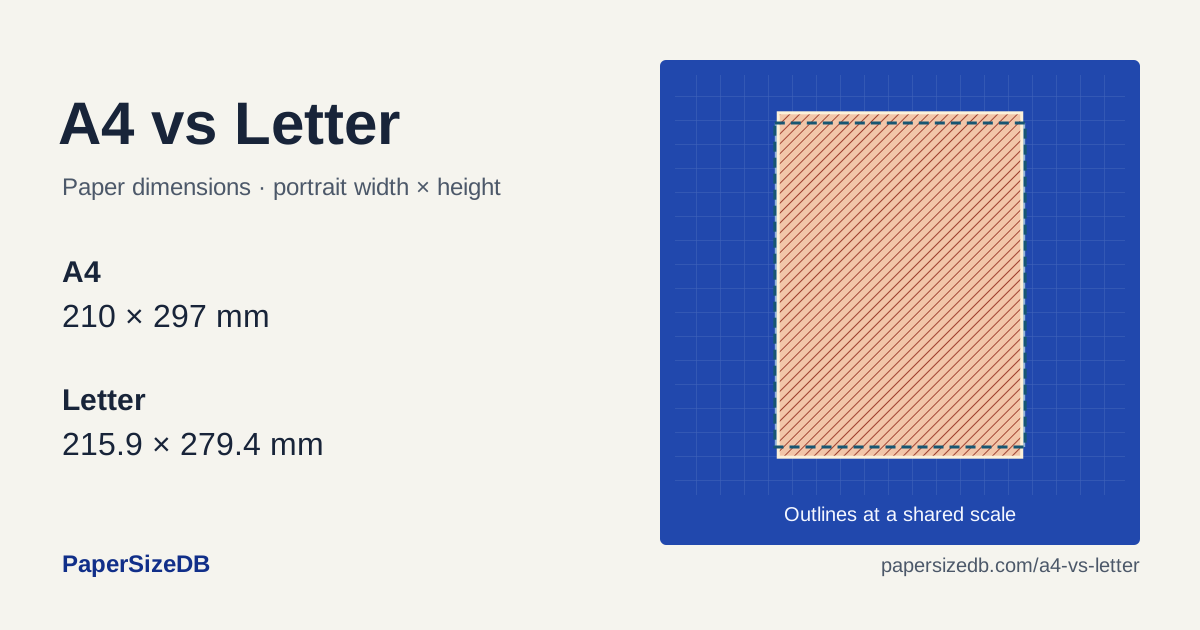
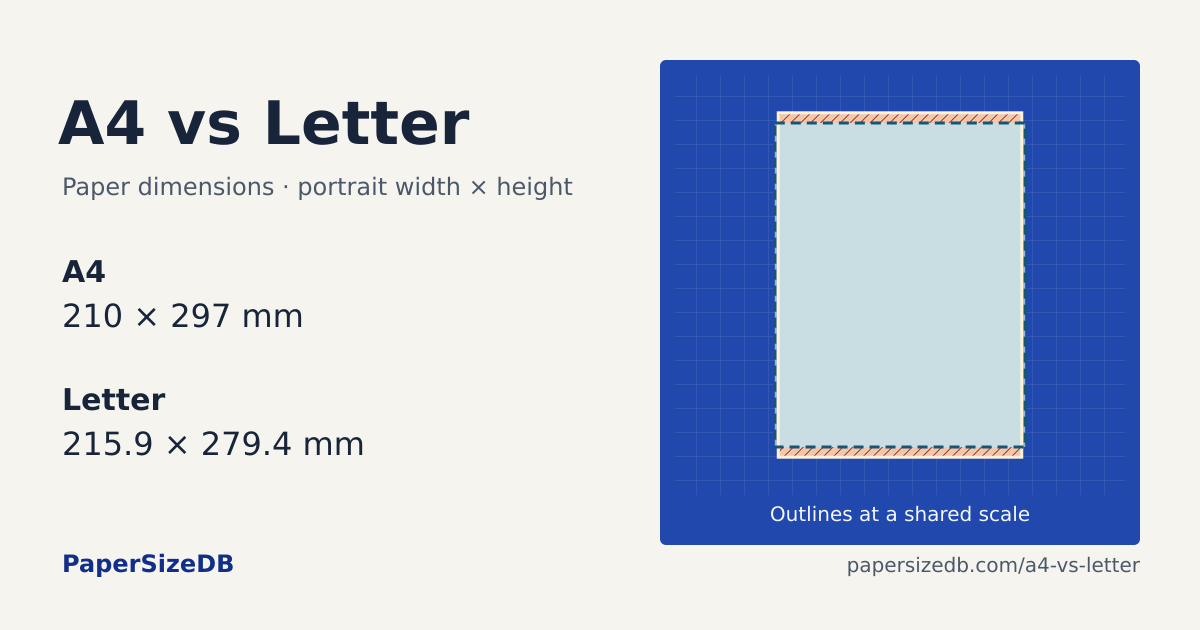
A4 is 5.9 mm narrower and 17.6 mm taller than US Letter.
Print A4 on Letter
Print goal
Document → paper loaded
Margin per edge
Select Letter paper.Set custom scale to 94.07%, or use Fit for your printer’s margins.
Your page after scaling
No edges cropped- Printed width × height
- 197.6 × 279.4 mm
- Crop from each side
- 0 mm
- Crop from top / bottom
- 0 mm each
At 100%, this page would lose 8.8 mm from top and bottom.
Compare the outlines
A4210 × 297 mm
Letter215.9 × 279.4 mm
A4 relative to LetterWidth 5.9 mm narrowerHeight 17.6 mm taller
Set up the print dialog
- Match the paper. Select the size loaded in the tray and choose portrait orientation.
- Choose the goal. Use Fit for a whole page, or enter the preview’s percentage as Custom Scale. For measured templates, choose Actual size or 100%.
- Check the preview. Center the page and compare the cropped edges. In Acrobat, these controls are under Page Sizing & Handling → Size.
Check your printed size
Print the file matching your paper at Actual size / 100%. Measure the 100 mm rulers and the 1-inch square. Every grid cell is 10 × 10 mm.
Embed this comparison chart
Use the static diagram in a guide or document. The HTML includes a visible source credit.
Preview chart and code
<figure>
  <img src="https://papersizedb.com/charts/a4-vs-letter.png"
       alt="A4 and US Letter paper outlines at the same scale with their dimensions"
       width="1200" height="630"
       style="max-width:100%;height:auto">
  <figcaption>Source: <a href="https://papersizedb.com/a4-vs-letter" rel="nofollow">PaperSizeDB</a></figcaption>
</figure>