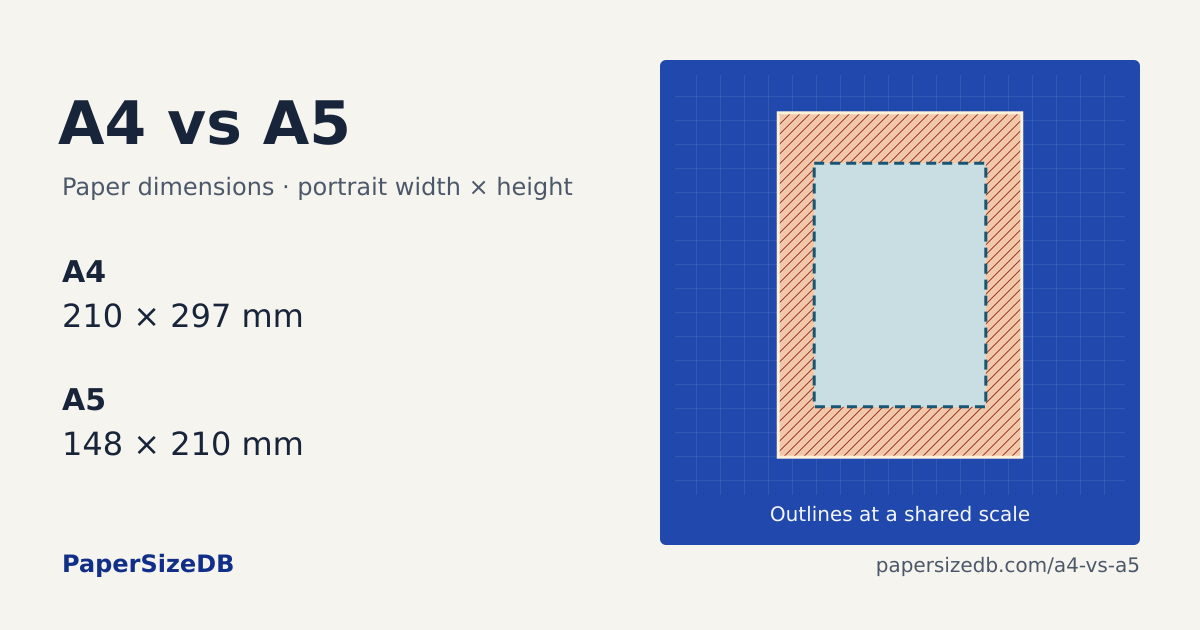
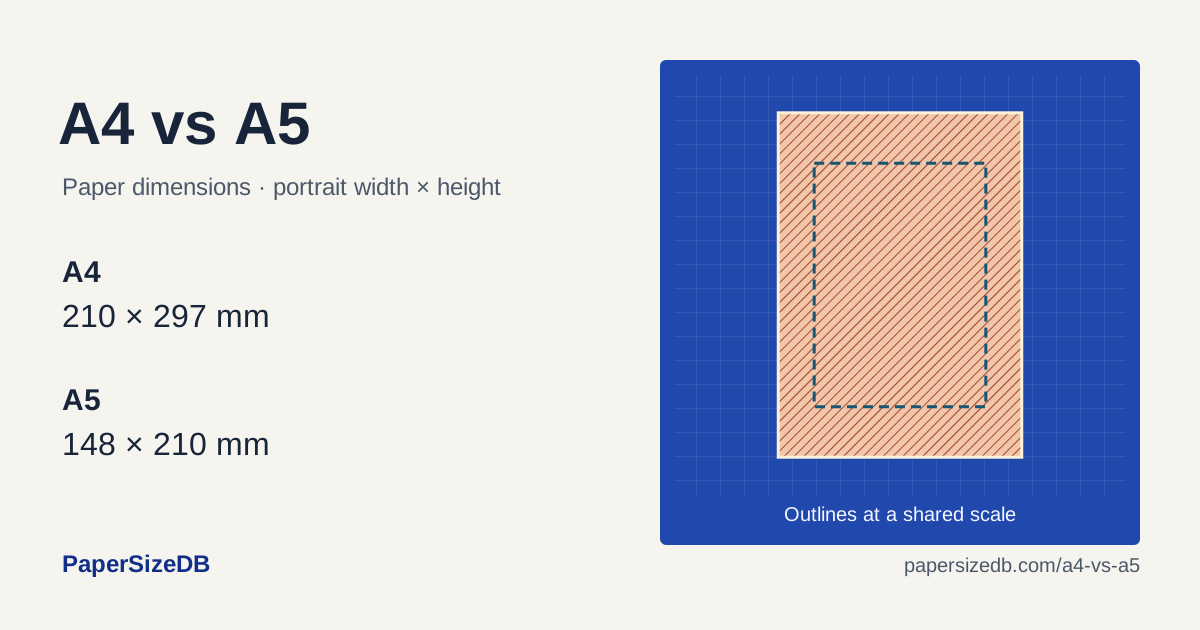
A4 vs A5 Paper Size
A4 is 62 mm wider and 87 mm taller than A5.
Print A4 on A5
Your page after scaling
No edges cropped- Printed width × height
- 148 × 209.3 mm
- Crop from each side
- 0 mm
- Crop from top / bottom
- 0 mm each
At 100%, this page would lose 31 mm from each side; 43.5 mm from top and bottom.
Compare the outlines
Folded A4 and standard A5
Fold an A4 sheet along its 297 mm edge to make two 148.5 × 210 mm panels. Standard A5 is 148 × 210 mm. The extra 0.5 mm matters when you trim booklets, align inserts or set a finished page size.
Printing a page and making a booklet
Fit scales one page onto one sheet. To put two A5 pages on an A4 sheet, use your editor’s booklet or two-pages-per-sheet layout. Check page order and duplex binding before printing the full booklet. Use 100% for a measured template and inspect the cropped edges above.
Set up the print dialog
- Match the paper. Select the size loaded in the tray and choose portrait orientation.
- Choose the goal. Use Fit for a whole page, or enter the preview’s percentage as Custom Scale. For measured templates, choose Actual size or 100%.
- Check the preview. Center the page and compare the cropped edges. In Acrobat, these controls are under Page Sizing & Handling → Size.
Check your printed size
Print the file matching your paper at Actual size / 100%. Measure the 100 mm rulers and the 1-inch square. Every grid cell is 10 × 10 mm.
Common questions
Is A5 exactly half of A4?
Half an A4 sheet is 148.5 × 210 mm. The ISO A5 trim size is 148 × 210 mm, so the nominal sizes differ by 0.5 mm on the short edge.
What percentage scales A4 to A5?
Use 70.48% to fit the nominal 210 × 297 mm A4 page inside a 148 × 210 mm A5 sheet with 0 mm margins. The general A-series copier setting of 70.7% is based on the square-root-of-two ratio; the exact fit above uses the published whole-millimeter dimensions.